Art Gallery – TZ Portfolio+ Gallery

 Recently Updated
Well Documented
Recently Updated
Well Documented
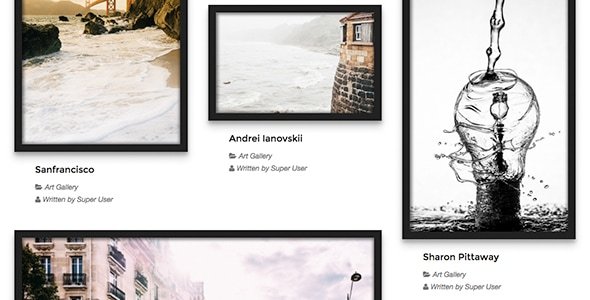
Art Gallery is TZ Portfolio+ Template for Joomla. It is a beautiful style for Art Gallery website. If you are an artist or photographer let’s try it 
Technical requirement
- Joomla 3.x. (Recommended Joomla 3.7.x)
- TZ Portfolio v1.1.4+
How to Install
- Go to Administrator -> Components -> TZ Portfolio Plus -> Templates
- Click “Upload” toolbar button -> Choose package Art Gallery template -> Click “Upload & Install” Button.
- Go to Administrator -> Components -> TZ Portfolio Plus -> Styles (or Click Styles on sidebar) -> Click Art Gallery and Configure it.
- Done! Let’s insert your article and go to front-end see your Portfolio new look









Reviews
There are no reviews yet.